What is WebWoW?
WebWoW is a separate browser PvP simulator at webwow.world. Its project page describes free access, guest entry, nine classes, duels, rated arenas and 5v5 Warsong. These are the developer’s descriptions; this guide does not treat them as a claim that every queue is available at every moment.
We opened the project in a desktop browser on November 2, 2026 and saw its entry page and Play as guest action. We then reached character selection and entered the world with a guest character. The entry page also showed 1v1 duels and 2v2 arena labels. Opening an entry flow is different from finishing a match, measuring latency or testing persistent progress. Read any current prompts inside the project before choosing a mode.
Open the original project: WebWoW project site ↗. The game runs on its own website. We provide independent guidance and do not operate its servers or account system.
How to start a WebWoW guest session
- Open webwow.world through the original-project link and wait for the entry page to replace its loading message.
- Find Play as guest. The entry screen says you can choose a class without providing email. Read the live wording before continuing.
- Follow the project’s connection and character prompts. If a connection screen remains open, note which stage is waiting rather than assuming your class choice caused the problem.
- Once the game is responsive, find its own control instructions before entering a competitive queue. This guide does not invent default keybinds.
- Check how progress is saved before relying on a guest session across browser restarts. Guest access is not the same as an account recovery method.
A fresh visitor should keep these stages separate: loading the page, reaching the entry form, connecting to the world and completing a match. Each stage has a different failure cause. “The website opens” alone cannot verify the final three.
WebWoW controls observed in our guest session
Our November 2 desktop check reached the world with a Priest in Shadow specialization. The selected keybinding template was Compact. This is one observed setup, not a default guaranteed for every class or account.
| Observed binding | Priest action shown |
|---|---|
| 1–5 | Vampiric Touch, Shadow Word: Pain, Devouring Plague, Mind Blast, Mind Flay |
| Q | Power Word: Shield |
| E / R | Silence / Psychic Scream |
| T | PvP Trinket |
| Alt+E | Dispersion |
| F1 | Select yourself |
Open the Keybindings control in the in-game toolbar to inspect your own assignments. The editor provides a Movement & camera section and separate scopes for all heroes, this hero and default. Its on-screen instructions say Escape cancels and Backspace clears an assignment. We inspected the editor without changing bindings or joining a duel.
Set WebWoW expectations before the first queue
Treat a new browser project as its own game. Familiar class names do not prove identical talents, cooldowns, map rules or matchmaking to official World of Warcraft. A guide for another expansion can be a conceptual reference, but it is not a verified build for this client.
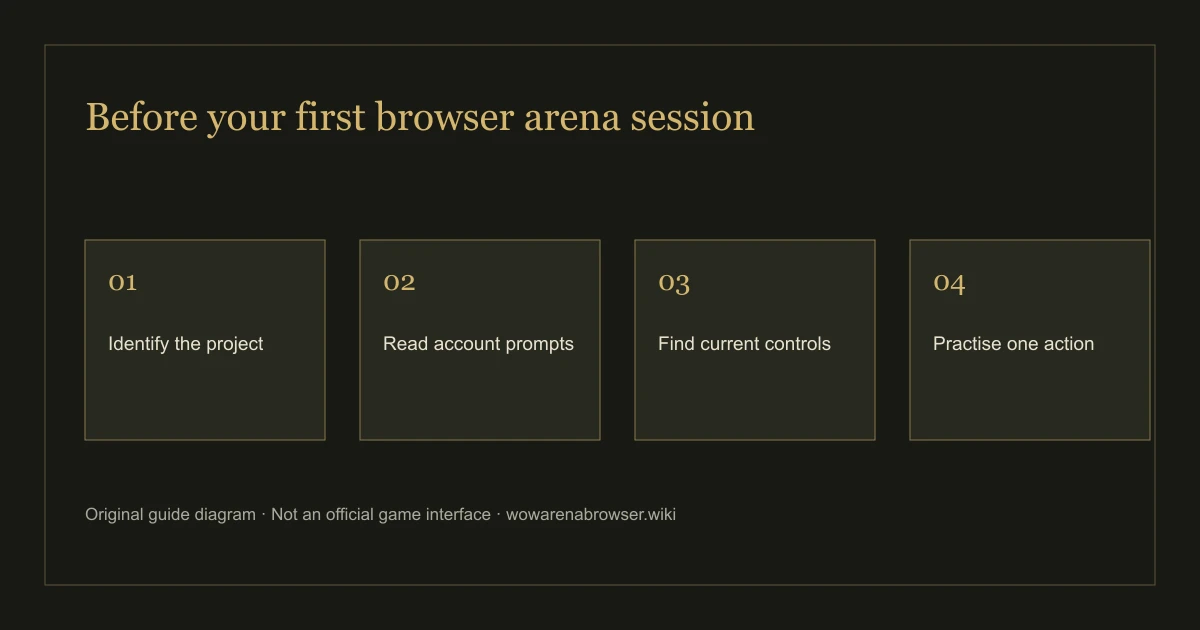
- Start by locating movement, targeting and camera instructions in the current game.
- Identify one main action, one way to defend and one way to interrupt or disengage if the class actually provides them.
- Use a practice option if the current client exposes one; do not join a queue just to find the controls.
- Read the active queue label. The project’s overview can mention more modes than a particular session has ready.
Our browser arena beginner guide gives a preparation sequence without pretending that WebWoW and Arena of Champions share one ruleset.
WebWoW browser and device checks
WebWoW’s project page mentions desktop and mobile. We have not completed a touch-only match on a physical Android phone or iPhone, so mobile play is not a tested recommendation from this guide. A responsive landing page is only the first part of a mobile game experience.
For a first attempt, use a current desktop browser and an input setup you can control comfortably. Our compatibility check can inspect WebGL 2, WebAssembly and secure-context availability locally. It cannot identify server capacity, promise a frame rate or confirm this specific client’s complete requirements.
If loading fails, record the visible message and retry later in a normal browser session. Keep security protections enabled. Do not install an unofficial client, browser extension or “unblocked” mirror as a repair step.
Sources, scope and corrections
Primary source: WebWoW project site ↗; entry page, guest character selection, world connection and keybinding editor inspected November 2, 2026. The project page provides its own community link. Follow community destinations from that page so you can check the current invitation and project identity.
Our check does not cover completed matches, account recovery, paid features, long-term progress or phone performance. If you encounter changed wording, report the exact page and stage through Contact. Compare the other project through the game directory, or return to the WoW arena browser overview.
Continue your next step: Find a game · Check your browser · Read the beginner guide · Browse the FAQ